



eTIMS Lite vs eTIMS Client: Which One Should Your Business Use in Kenya?

If you’re a Kenyan business owner trying to comply with KRA’s electronic invoicing rules, you’ve probably come across the debate of eTIMS Lite vs eTIMS Client and wondered which one actually fits your business. Both are free solutions offered by the Kenya Revenue Authority (KRA), but they’re built for very different kinds of taxpayers. Getting this choice right matters — the wrong eTIMS solution can slow down your billing process, cost you time at the till, or leave you non-compliant. In this guide, we break down eTIMS Lite vs eTIMS Client in plain language, so you can pick the right one whether you run a service business, a retail shop, or a multi-branch operation.
What Is eTIMS, Quickly?
Before comparing eTIMS Lite vs eTIMS Client, it helps to understand what eTIMS actually is. eTIMS (electronic Tax Invoice Management System) is KRA’s digital framework for generating and transmitting tax invoices in real time. It replaced the older TIMS system and applies to virtually every business in Kenya, VAT-registered or not. Whether you settle on eTIMS Lite or eTIMS Client, the goal is the same: every sale you make gets recorded and transmitted to KRA electronically. The difference between eTIMS Lite vs eTIMS Client comes down to how that invoicing happens, and who each solution is designed for.
What Is eTIMS Lite?
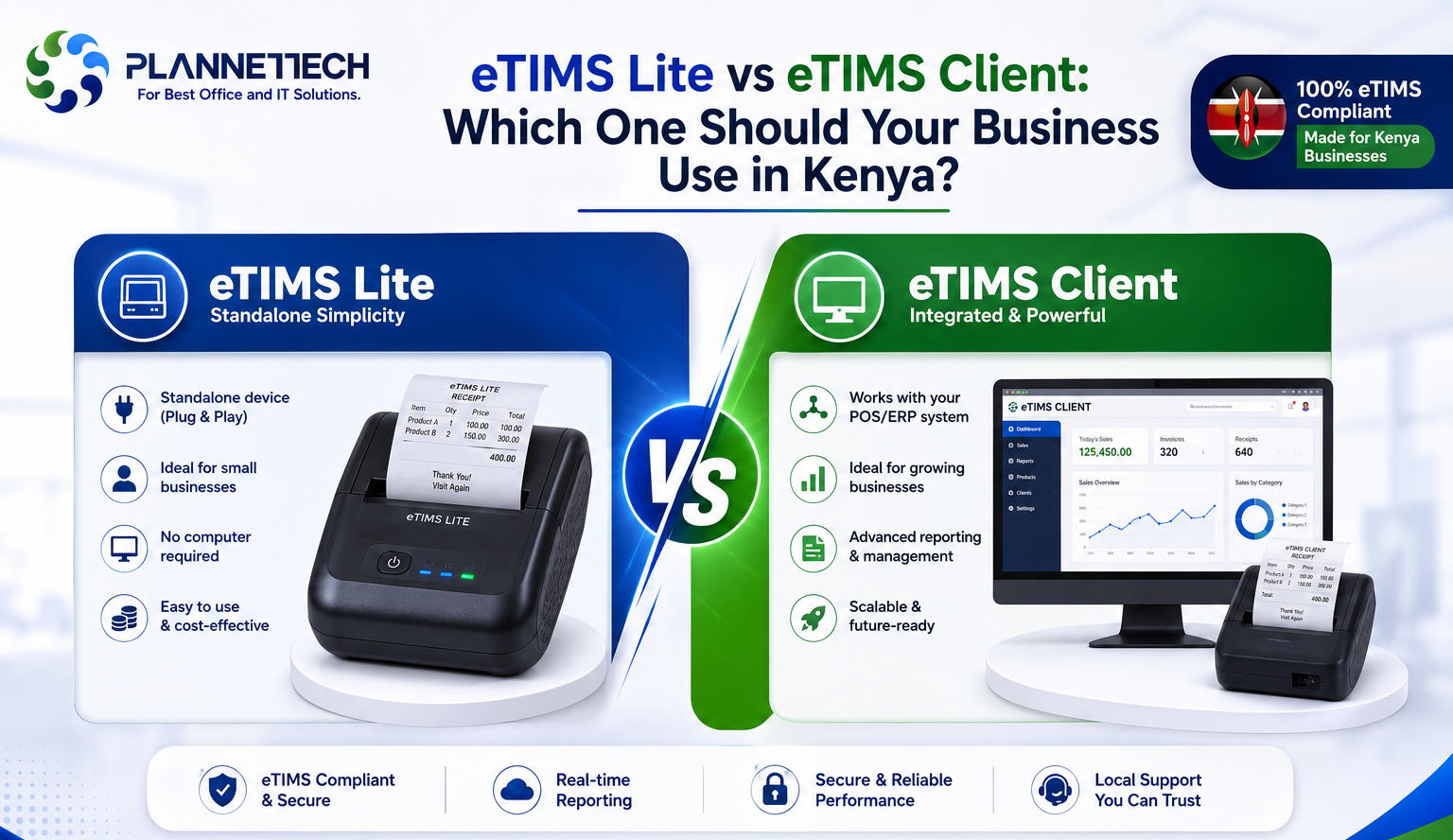
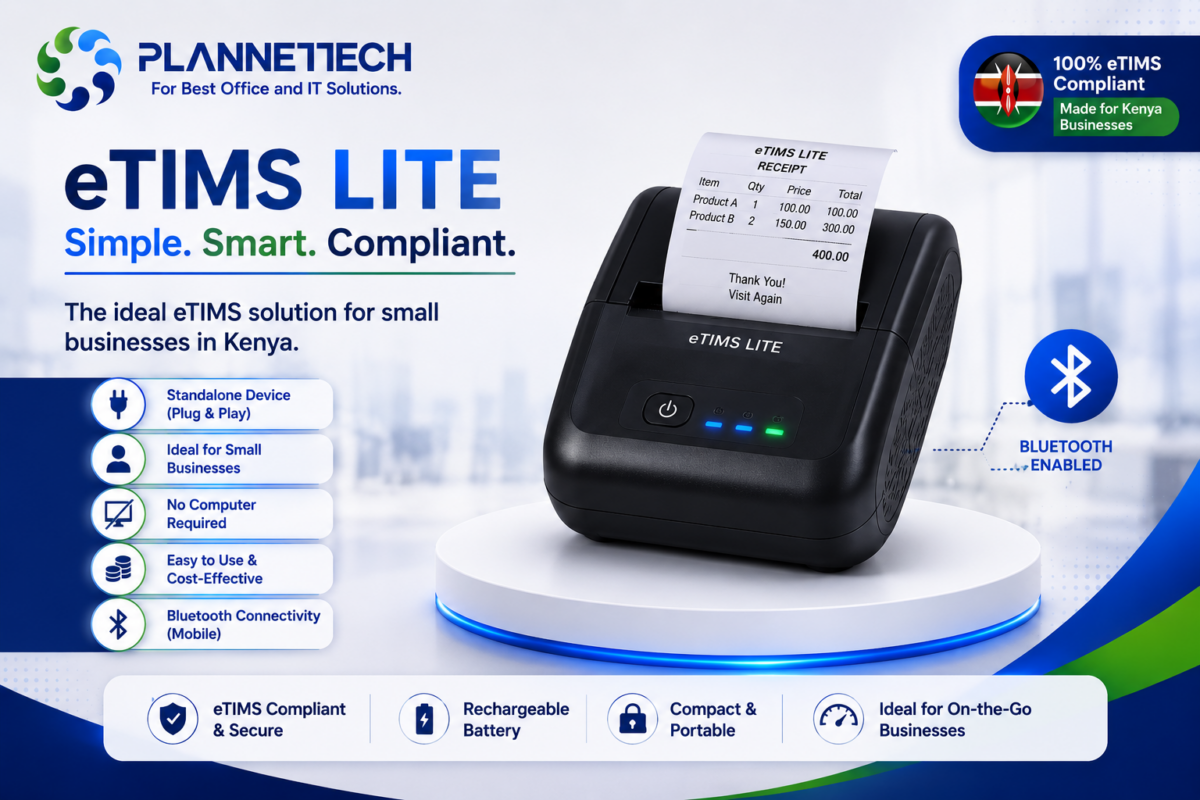
eTIMS Lite is KRA’s simplified invoicing option, built specifically for individuals, sole proprietors, and very small operators. When people compare eTIMS Lite vs eTIMS Client, eTIMS Lite usually wins on simplicity; it’s accessible through the web via eCitizen, through the USSD short code *222#, or through a mobile app on Android and iOS. There’s no software to install and no dedicated computer required. You create each invoice manually, one at a time, which works fine for a one-person consultancy, a small salon, or a freelancer issuing a handful of invoices a week. This makes eTIMS Lite a natural fit for many MSEs (micro and small enterprises) that don’t have a fixed till point or high transaction volume. However, eTIMS Lite becomes impractical fast if you’re serving customers back-to-back, since manual, one-at-a-time entry can’t keep up with a busy counter.
What Is eTIMS Client?
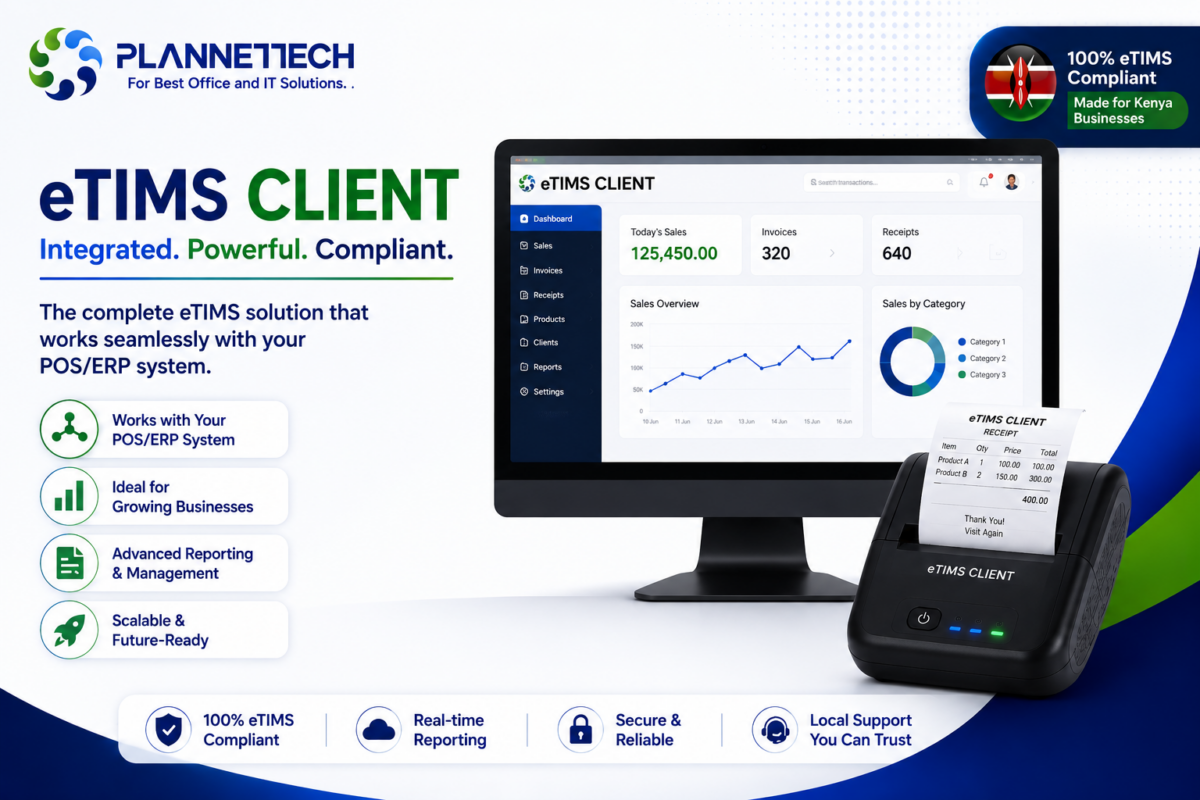
eTIMS Client is the other side of the eTIMS Lite vs eTIMS Client comparison: a downloadable desktop application built for businesses that deal in goods, run a physical till point, or need more invoicing capacity than a phone app can offer. It installs on a Windows computer (and can also run on Android tablets and PDA devices) and supports multiple branches and multiple cashier tills under one taxpayer profile. For growing SMEs retail shops, supermarkets, restaurants, pharmacies, and hardware stores eTIMS Client is generally the better fit in the eTIMS Lite vs eTIMS Client decision, because it’s designed to sit at a physical counter and handle a continuous stream of transactions, not occasional invoicing.
eTIMS Lite vs eTIMS Client: Side-by-Side Comparison
| Feature | eTIMS Lite | eTIMS Client |
|---|---|---|
| Best for | Individuals, sole proprietors, service providers | SMEs and MSEs selling goods, retail counters, multi-branch businesses |
| Access | Web (eCitizen), USSD (*222#), mobile app | Downloadable software for Windows, Android tablets, PDA |
| Invoicing volume | Low manual, one invoice at a time | Higher volume, built for continuous till/counter use |
| Multi-branch support | No | Yes |
| Hardware needed | Smartphone or basic internet access | A dedicated computer, tablet, or POS terminal |
| VAT eligibility | Typically non-VAT taxpayers | VAT and non-VAT taxpayers dealing in goods/services |
| Cost | Free | Free (hardware/setup costs may apply) |
This table is the fastest way to settle eTIMS Lite vs eTIMS Client for your own business: if you’re invoicing occasionally from your phone, Lite works; if you’re running a counter or multiple branches, Client is the practical choice.
Which Should SMEs and MSEs Actually Choose?
The eTIMS Lite vs eTIMS Client decision ultimately comes down to transaction volume and business structure. For MSEs a one-person salon, a boda boda spare parts seller, a freelance graphic designer eTIMS Lite’s simplicity is an advantage, not a limitation. There’s no hardware investment, and the mobile app or USSD option keeps things moving without disrupting a low-transaction workflow. But for SMEs with a physical shop, especially ones handling goods rather than pure services, eTIMS Client is almost always the right side of the eTIMS Lite vs eTIMS Client equation. A supermarket, electronics shop, or restaurant issuing dozens or hundreds of invoices a day needs a system that can sit at the till, handle multiple cashiers, and sync across branches something eTIMS Lite simply isn’t built to do.
One important detail that often gets missed in the eTIMS Lite vs eTIMS Client conversation: KRA has updated eTIMS so a taxpayer can now register on more than one eTIMS solution at the same time under the same PIN, and switching between solutions no longer requires KRA approval. The only exception is changing devices within the same solution (for example, moving eTIMS Client to a new till computer), which still needs to be facilitated by KRA. Even so, most businesses standardise on a single solution for simplicity — matching the one that fits how they actually operate day to day.
Getting the Right Hardware for eTIMS Client
If your business has outgrown eTIMS Lite and you’re settling the eTIMS Lite vs eTIMS Client question in favor of Client, the next decision is hardware. Since eTIMS Client runs as installed software, most SMEs pair it with a dedicated POS terminal rather than a general-purpose laptop, since a proper terminal handles receipt printing, barcode scanning, and till operations in one unit. Our Micro Point Touch POS All-in-One 15″ Core i3 POS Terminal is built for exactly this: 8GB RAM and a 512GB SSD comfortably run eTIMS Client alongside your point-of-sale software without lag, even during peak hours. Businesses weighing eTIMS Lite vs eTIMS Client for a multi-till supermarket or retail chain can also browse our full POS systems for Nairobi businesses range to find a setup that scales with multiple branches.
Frequently Asked Questions
1. Can I switch from eTIMS Lite to eTIMS Client later? Yes — and under KRA’s current rules, you no longer need approval to add or switch between solutions; you can register on eTIMS Client directly through the eTIMS taxpayer portal, alongside or instead of Lite. The only case that still requires KRA facilitation is changing devices within eTIMS Client itself.
2. Is eTIMS Client only for VAT-registered businesses? No. Both VAT and non-VAT taxpayers dealing in goods or services can use eTIMS Client, unlike eTIMS Lite, which is generally reserved for non-VAT taxpayers with minimal transactions.
3. Do I need internet access for eTIMS Lite or eTIMS Client? Both require connectivity to transmit invoices to KRA, though eTIMS Lite via USSD (*222#) works over basic mobile network access, while eTIMS Client typically needs a stable internet connection at your counter.
4. Which is cheaper — eTIMS Lite or eTIMS Client? Both are provided free of charge by KRA. The real cost difference in the eTIMS Lite vs eTIMS Client decision is hardware: Lite needs only a smartphone, while Client generally runs on a dedicated computer or POS terminal.
5. Can eTIMS Client handle multiple branches? Yes, this is one of its core strengths. eTIMS Client supports multiple branches and cashier tills/pay points under a single business profile, which is why it’s the standard choice for growing SMEs with more than one location.
6. What happens if I choose the wrong eTIMS solution for my business? You may end up with invoicing that’s either too slow for your transaction volume (eTIMS Lite on a busy till) or unnecessarily complex for a low-volume service business (eTIMS Client for a solo consultant). Reviewing the eTIMS Lite vs eTIMS Client comparison against your actual transaction volume before onboarding will save you a switch later.
Final Thoughts
There’s no universal winner in the eTIMS Lite vs eTIMS Client debate the right answer depends entirely on how your business operates. If you’re a solo service provider or a micro business with occasional invoicing, eTIMS Lite keeps things simple and cost-free. If you’re running a retail counter, a restaurant, or a multi-branch operation, eTIMS Client — paired with proper POS hardware is built to keep up with real transaction volume. For official, up-to-date guidance on eligibility and onboarding, always refer to KRA’s official eTIMS solutions page.
Need help setting up eTIMS Client on the right hardware for your business? Get in touch with our team or browse our eTIMS-ready POS terminals to find a setup that fits whether you’re an SME or MSE.